
Two focused tools for Logic Pro’s piano roll.
Scale Overlay and Ghost Notes together.
- Made for Logic Pro and GarageBand
- Occasional internet connection to verify your licence
What’s included
Two small macOS utilities that help you write in key and see what is happening across your tracks in Logic Pro’s piano roll.

Scale Overlay
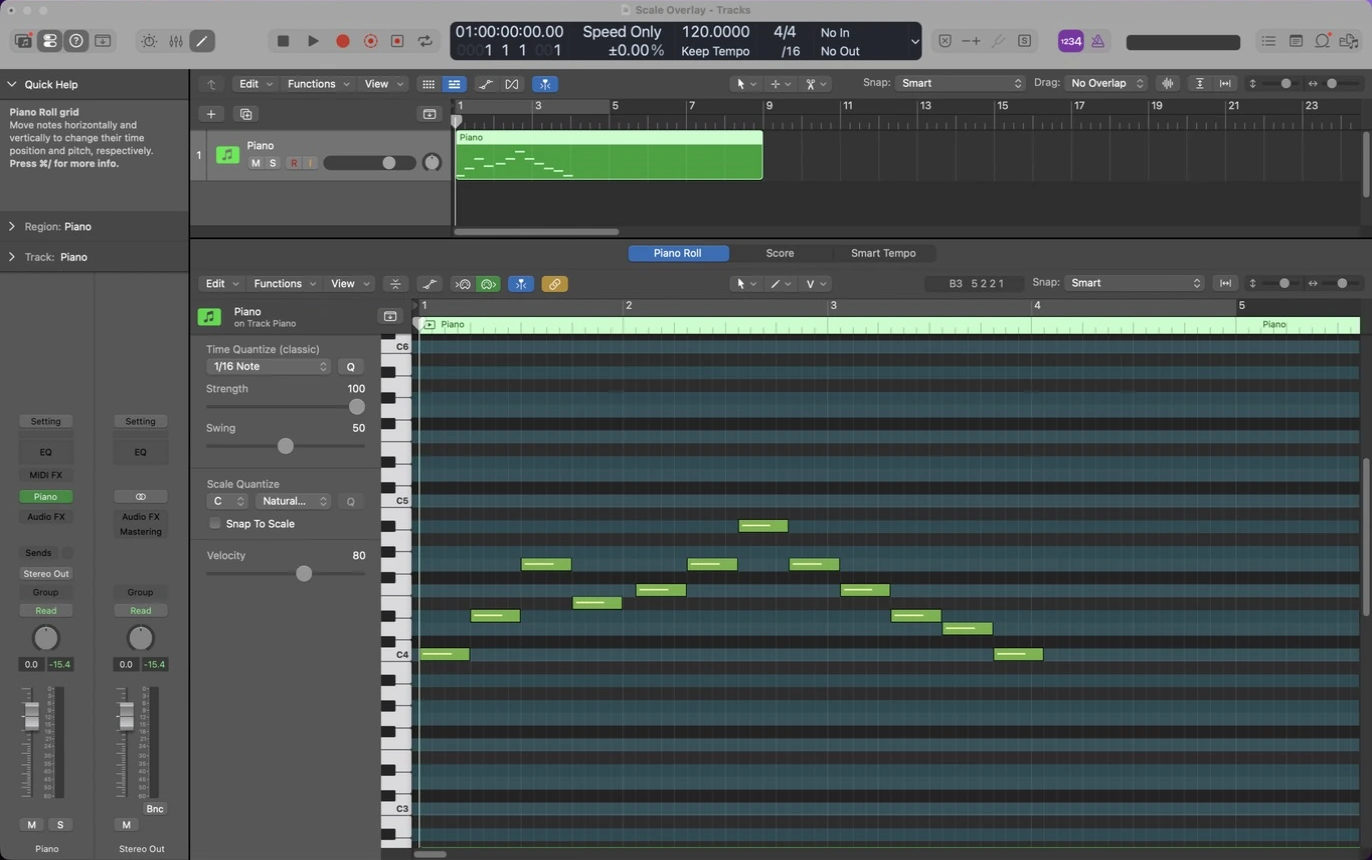
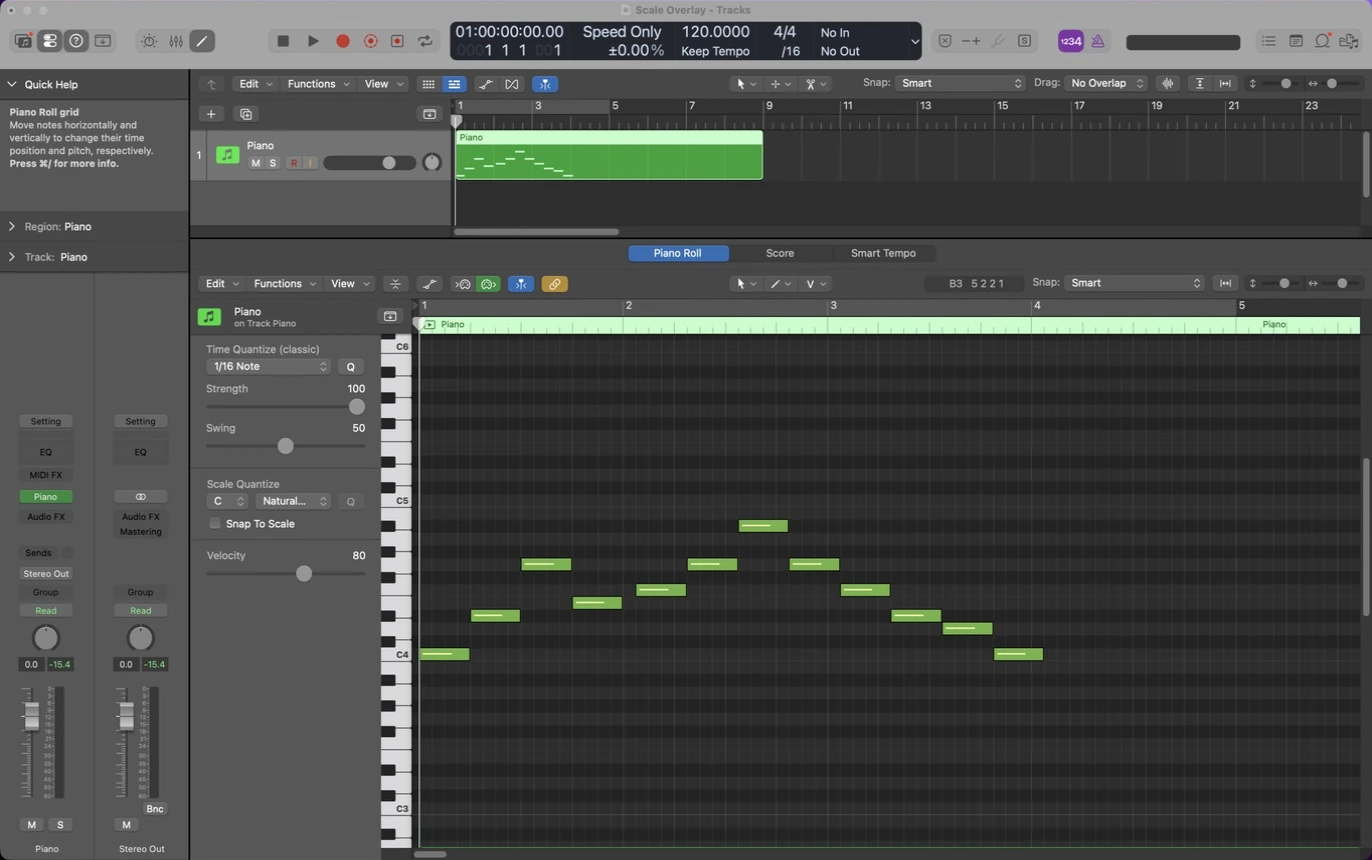
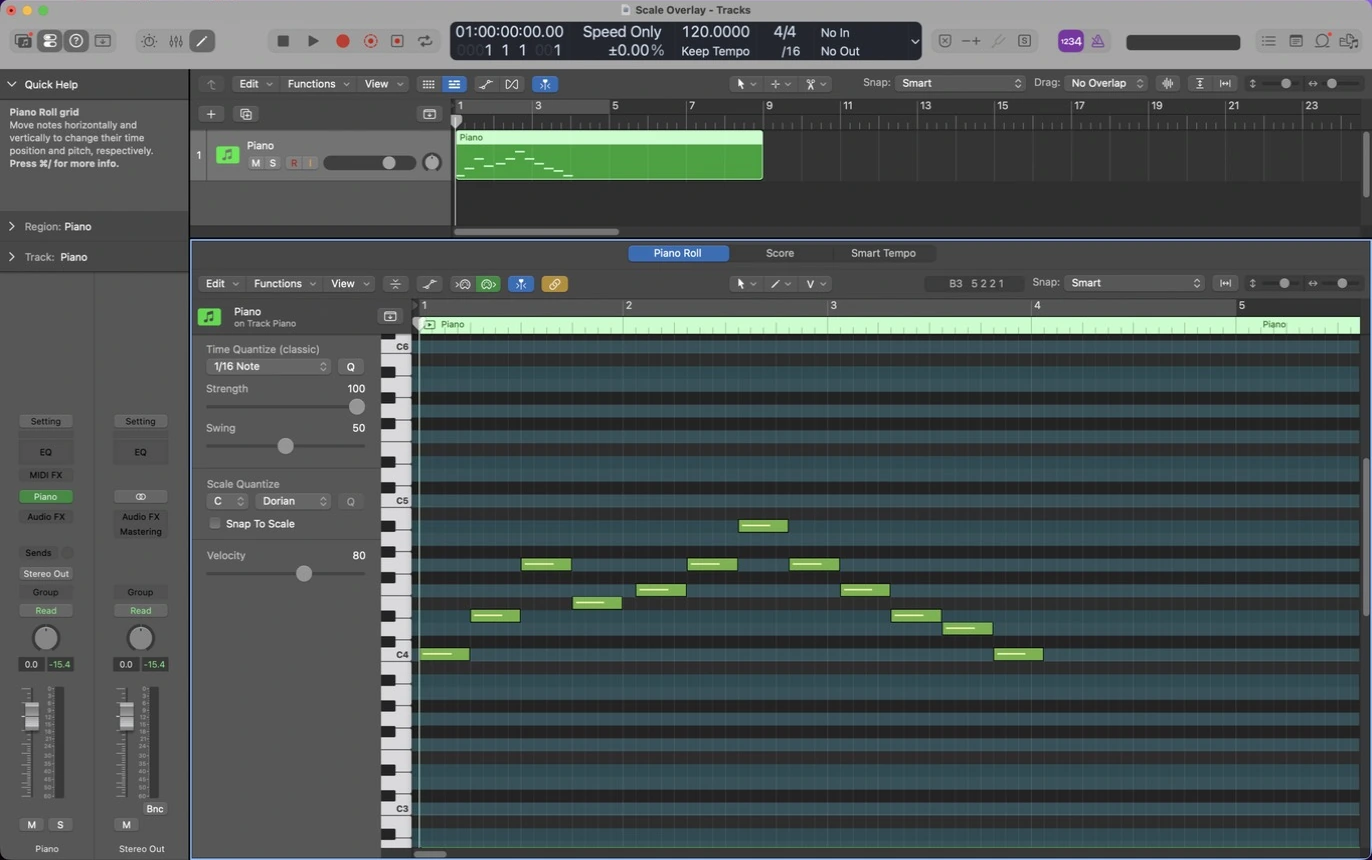
See your scale on Logic Pro’s piano roll.
Follows Logic automatically
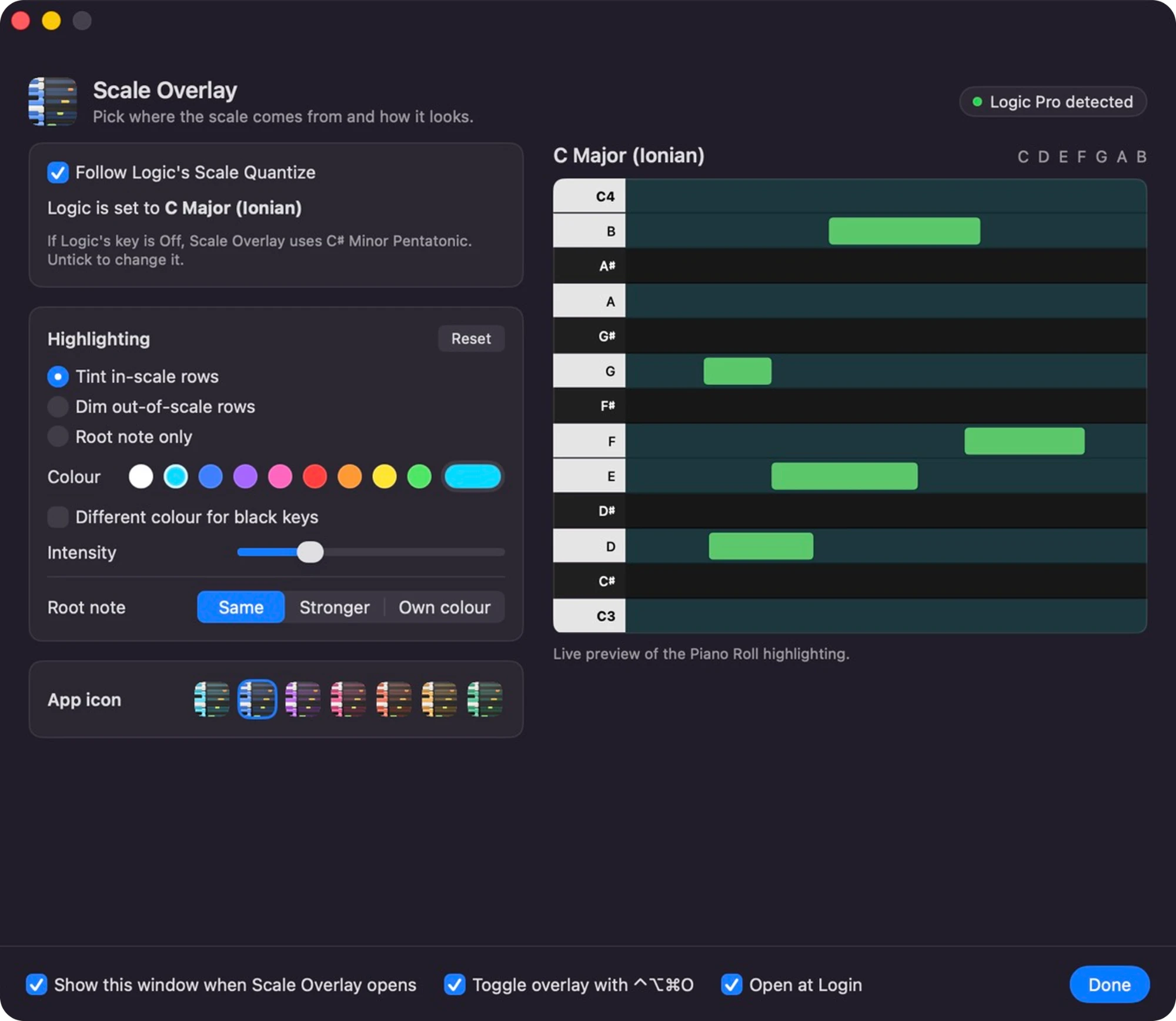
Follows the key and scale set in Logic’s Scale Quantize, so the overlay changes when you do. Or pick your own key and scale.
Every Logic scale, any key
All 28 scales from Logic’s Scale Quantize menu, in all 12 keys, from major and minor to blues, bebop and modes. Scale names appear in Logic’s language.
Tint, dim or root only
Light up in-scale rows, fade the out-of-scale ones, or mark just the root. Your notes are never tinted over.
Your colours
Choose the colour and intensity, give the root note its own colour, and colour the black-key rows differently.
Ghost Notes
See your other tracks in Logic Pro’s piano roll.
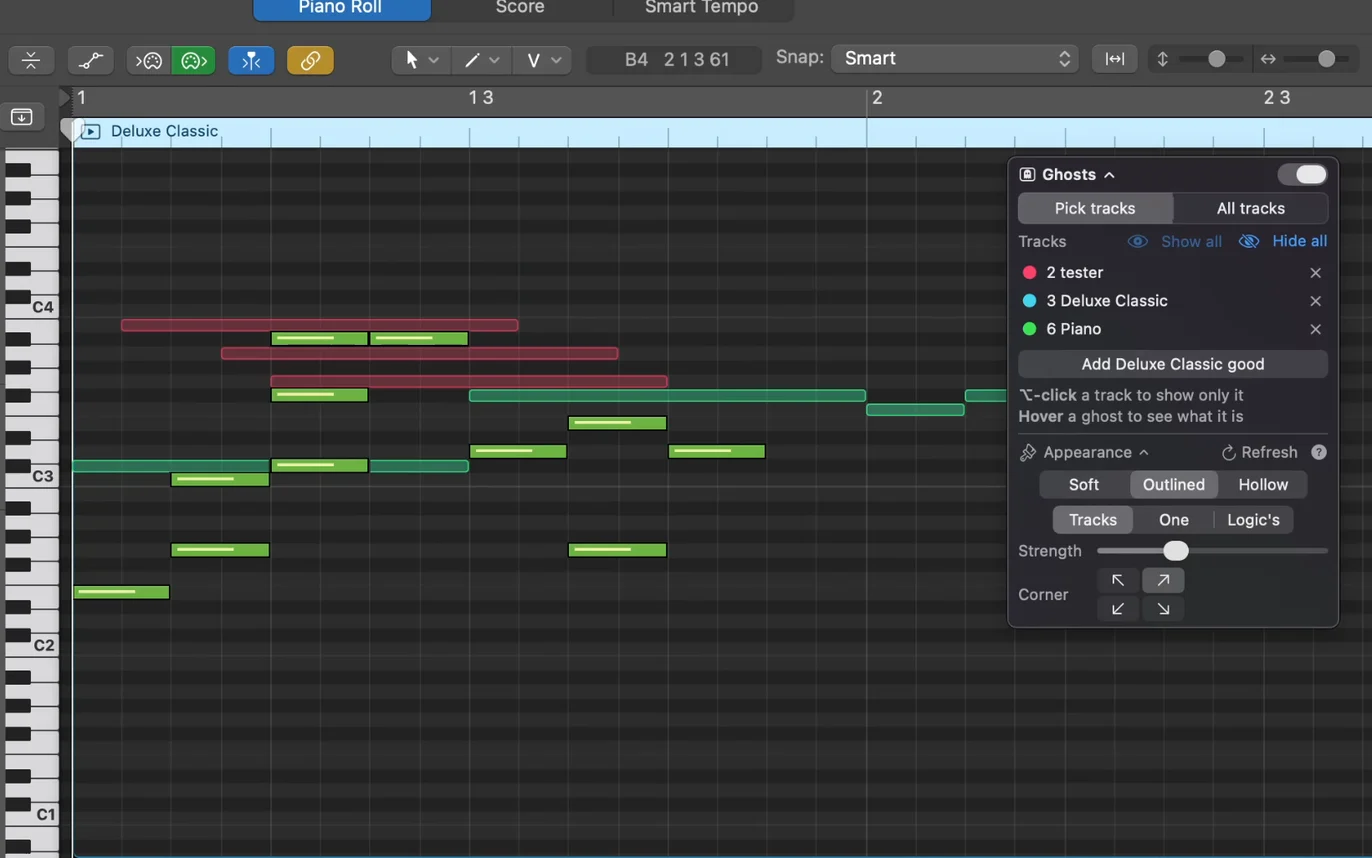
Your other tracks, behind the one you’re editing
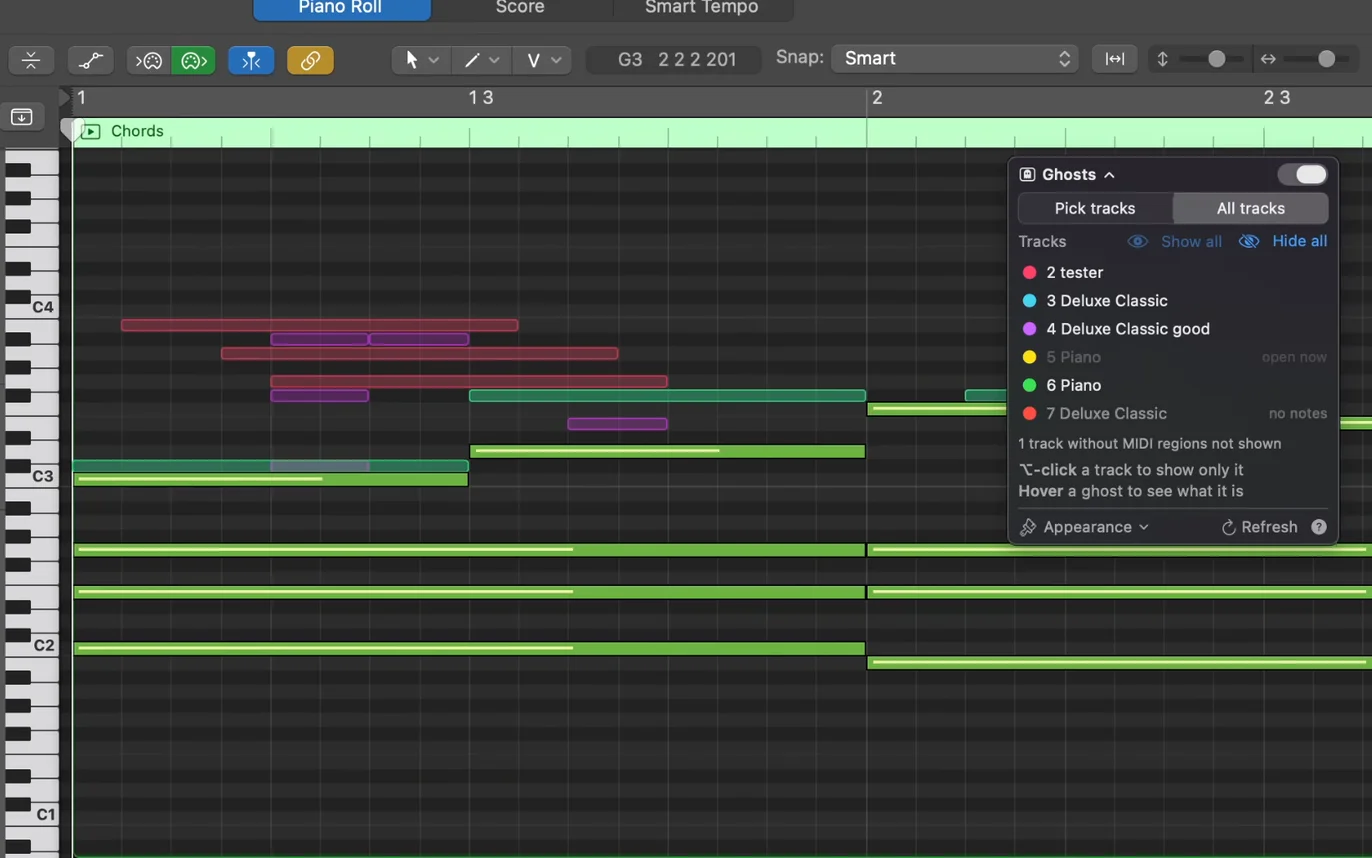
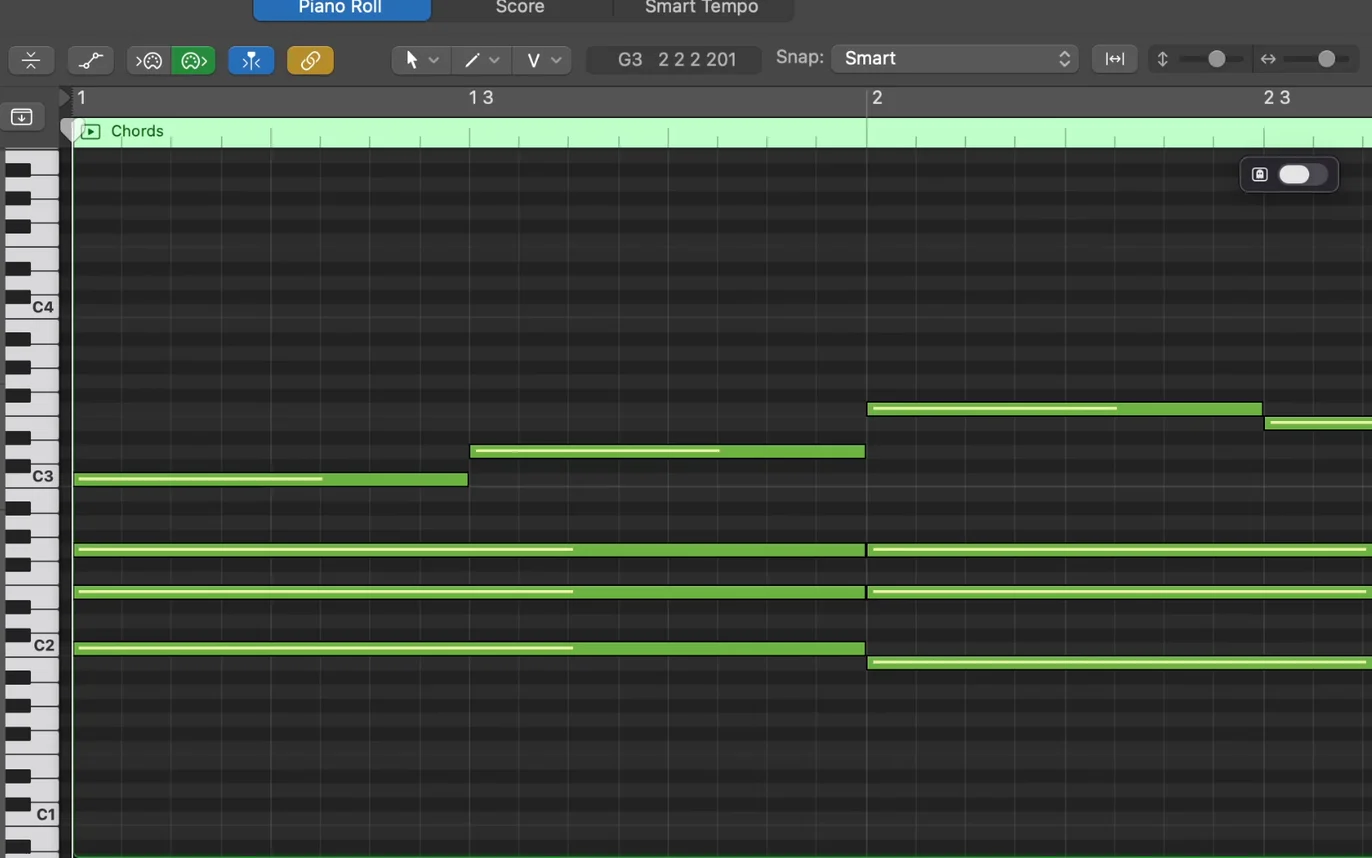
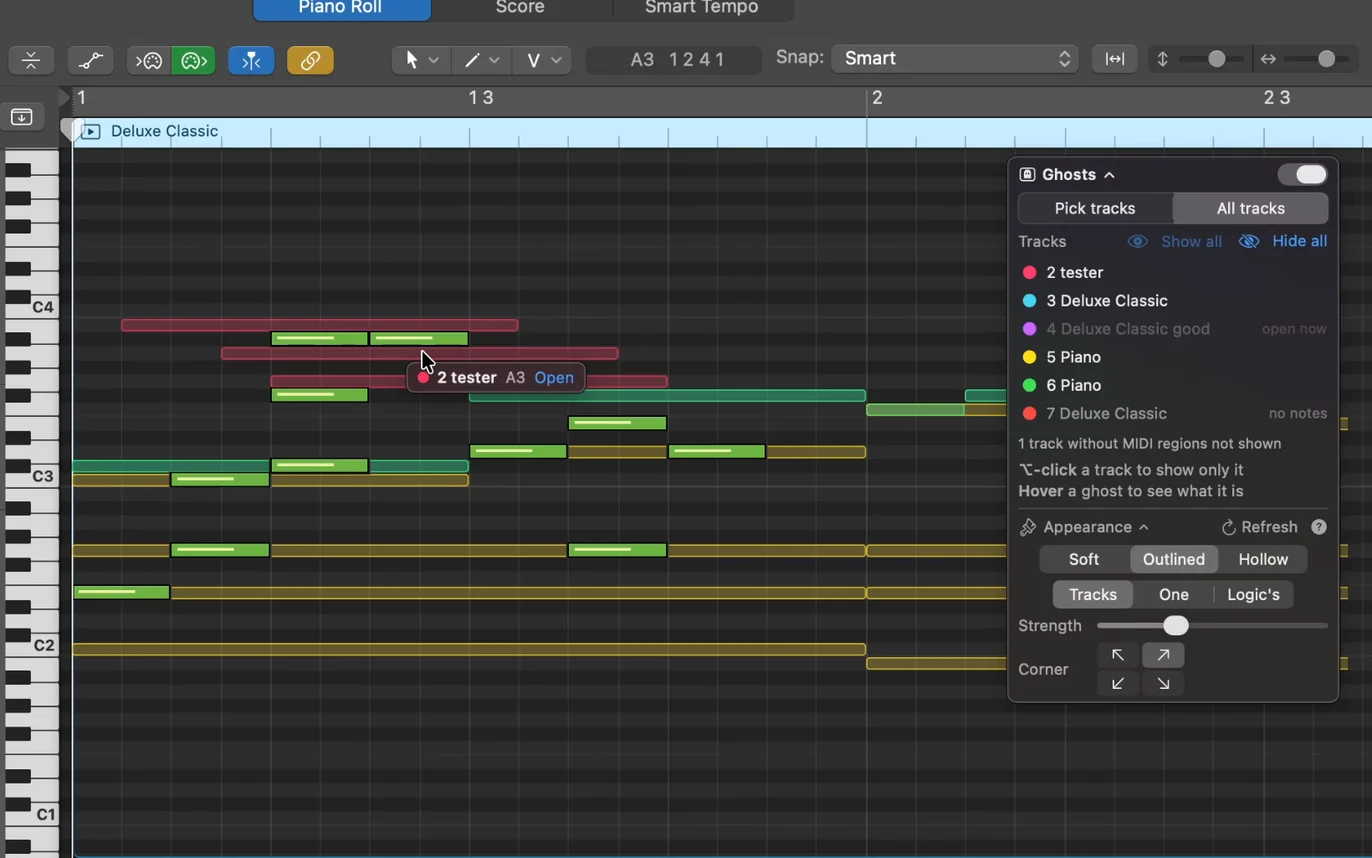
Shows the notes from your other tracks as faint “ghost” notes in Logic’s piano roll, so you can see how a melody sits against the bass and chords without clicking between regions.
All tracks, or just the ones you pick
Show every other track, or switch to Pick tracks and add only the ones you want. Hide a track, or ⌥-click to see just one. Tracks inside a Track Stack work too.
Hover to see what a ghost is
Rest the mouse on a ghost to see which track and region it belongs to, then open it in one click.
Soft, outlined or hollow
Choose how the ghosts look, give each track its own colour or use one colour for all, and set how strong they are. You can also use the colours from Logic itself, if you allow Screen Recording.
See it in action
Scale Overlay
Ghost Notes
Get started
- Buy the bundle. Your licence key and download links arrive by email.
- Open each downloaded disk image and drag the app into your Applications folder.
- Open each app and enter your licence key. You need an internet connection to activate, and an occasional one afterwards to verify your licence.
- Allow Accessibility access when macOS asks. The apps need it to work alongside Logic Pro.
Requirements
- macOS
- macOS 13 Ventura or later
- Works with
- Logic Pro and GarageBand
- Mac
- Apple silicon (M1 and later) or Intel
Frequently asked questions
What does a licence cover?
One Mac. The licence is permanent, with no subscription. It needs an occasional internet connection to verify it, about once a month, and keeps working between checks for up to 90 days. To move it to a new Mac, deactivate the old one from the app, or email support and we will reset it.
Will it keep working when Logic Pro or macOS updates?
Updates to Logic Pro or macOS can change things, so there’s no guarantee it will keep working after every update, or that an update to fix it will always be possible. Flowfix Audio is run by one developer, and I’ll do my best to fix problems quickly if they come up. Any updates are free for existing customers.
How do I request a refund?
Email support@flowfixaudio.com from the address you bought with, within 14 days of purchase, and you will get the full price back. Your licence key then stops working for new activations.
How do I get help?
Use the support page and we will get back to you by email.
Still stuck? Contact support.